

Program that assists in designing and creating small graphical symbols or images for various purposes.
IconoMaker is a shareware icon creator app and image editor developed by Icon Empire for Windows, it's well-designed, powerful and fun.
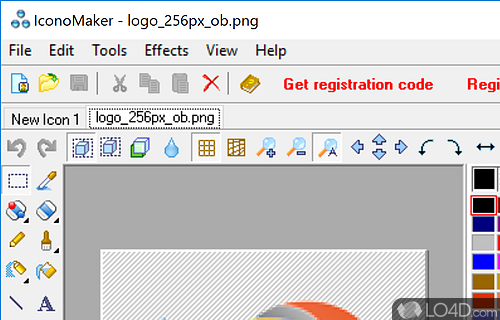
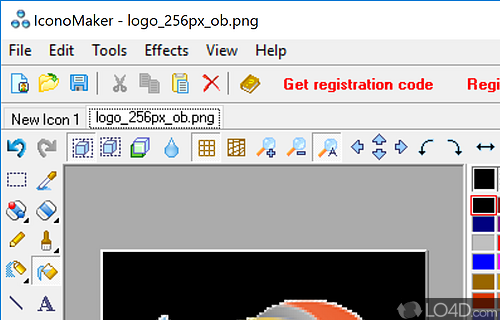
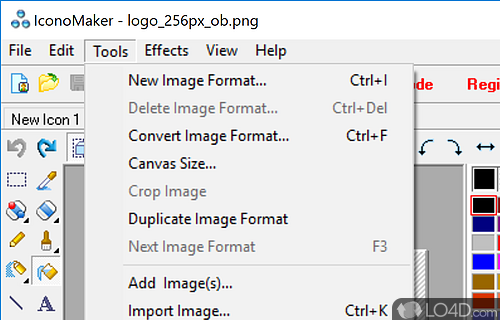
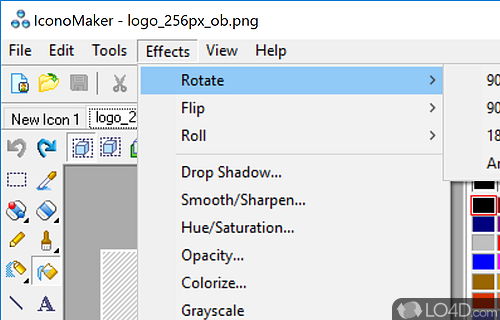
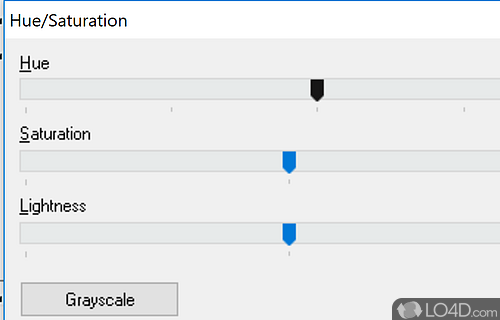
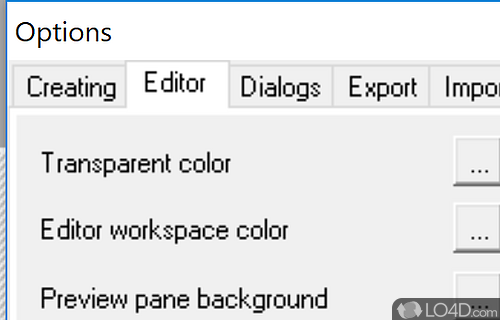
The download has been tested by an editor here on a PC and a list of features has been compiled; see below. We've also created some screenshots of IconoMaker to illustrate the user interface and show the overall usage and features of this icon creation program.
Create smooth multi-resolution icons for Windows with this icon maker
Use this simple utility to edit Windows icons. IconoMaker contains a variety of paint tools to let you edit icons in either standard or custom sizes, in color depths up to 32-bit True Color. For Windows XP and Windows Vista icons, you can use semi-transparent areas. You can import and export ICO, PNG, XPM, and other images. Paint tools include: color replacer, pencil, brush, flood fill and other. You can paint your icons pixel by pixel.
Features of IconoMaker
- Animation: Add motion to your icons.
- Customization: Personalize your icons with color, texture and shape.
- Design: Create your own icons and edit existing ones.
- Effects: Add shadows, glows and other visual effects.
- Export: Save your icons in a variety of formats.
- Graphics: Access a library of pre-made graphics and symbols.
- Icon Sets: Create collections of related icons.
- Icon Sizes: Create icons for multiple resolutions.
- Import: Bring in images from your computer.
- Layer: Stack, group and add effects to your designs.
- Optimization: Automatically reduce file size and improve quality.
- Pixel Art: Create pixel-perfect icons.
- Semi-transparency: Set levels of opacity and blending.
- Share: Export your icons to the web and popular image sharing sites.
- Vector Drawing: Create vector art with curves and lines.
Compatibility and License
This download is licensed as shareware for the Windows operating system from graphics editors and can be used as a free trial until the trial period ends (after an unspecified number of days). The IconoMaker 3.35 demo is available to all software users as a free download with potential restrictions and is not necessarily the full version of this software.
What version of Windows can IconoMaker run on?
IconoMaker can be used on a computer running Windows 11 or Windows 10. Previous versions of the OS shouldn't be a problem with Windows 8 and Windows 7 having been tested. It runs on both 32-bit and 64-bit systems with no dedicated 64-bit download provided.
Filed under:
- IconoMaker Download
- Icon Creation Software